
Description
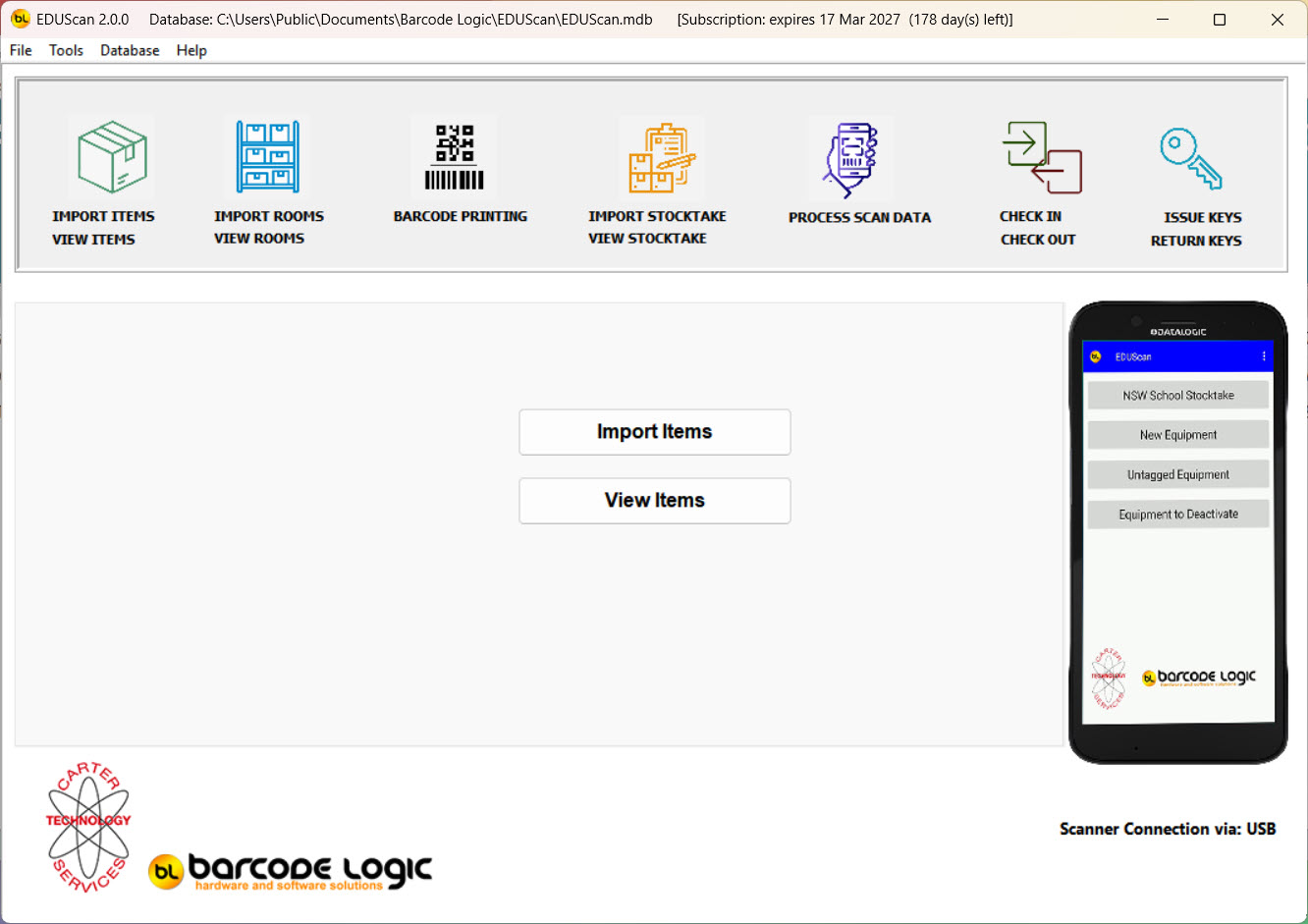
EDUScan 2.0 is a complete application for completing a stocktake.
Print labels for locations
Print labels for items
Update an Equipment register as location and item labels are scanned.
Import the Equipment Register so enable Label Print module.
Choose to print one or more labels at a time.
Locate labels to print from a search function or choose a group of labels for bulk print.
Import the Equipment Register into Stocktake module when ready to complete a stocktake.
Transfer this file to your scanner.
Scan a room label to reveal a list of items attached to that room. This is from information on the Equipment Register.
Scan items.
If the item is listed as being in the room, relevant fields are updated.
If the items is not listed, the question is asked Move item this room Y or N.
Once scanning is completed transfer file from scanner to EDUScan on the PC.
Manual adjustments can be made if required.
When complete export to PC for updated Equipment Register.